
Retail insights
WhirlWind Software: User Summit 2026
We’ve rounded up the key takeaways from the event, with helpful tips and resources for every part of your business. Take a look, put a few ideas into practice with your team, and we hope to see you at next year’s Summit!
By WhirlWind Software ·

We were so grateful to have such a great turnout at our annual WhirlWind User Summit at the end of September! We want to say one last thank you to everyone who took the time to attend, and a big thank you to our sponsors and partners for helping make this event possible. We appreciate everyone who makes the WhirlWind community what it is and look forward to seeing you all again next year!
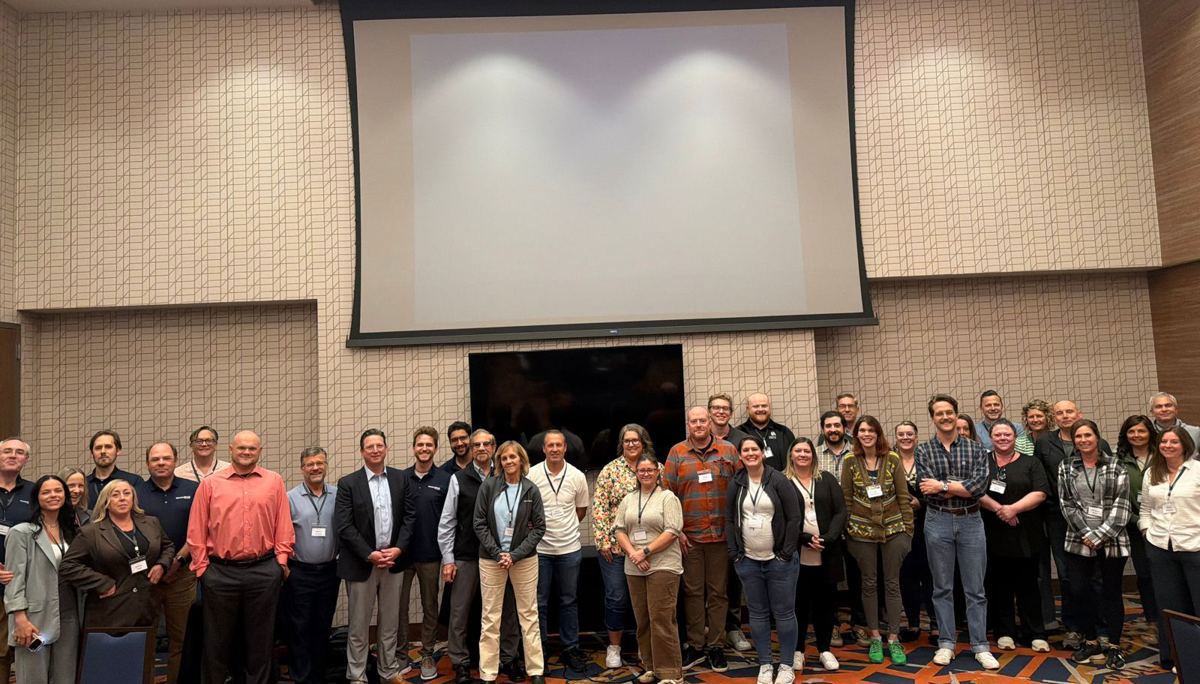
Our goal is always for attendees to leave with something they can put into practice right away. Sometimes, one new tip or a small change in a daily process can make a real difference for a team. Here are a few takeaways from the Summit. If you want the exclusive access to tips and tricks and sneak peek of what’s coming soon make sure you come next year!
Daily Essentials
Inside WhirlWind there are a few steps that need to be performed daily. Look to see if you are completing all the daily necessary steps.
Accounting
The accounting aspect of the Summit highlighted many company specific questions. Please see below a few key takeaways.
WhirlWind Portal
Here are the key takeaways to remember about the WhirlWind Portal.
- Portal Signup - Walkthrough of how to sign up for the Portal
- Features - Walkthrough of a few simple processes on the portal
Vendor Return
Inside WhirlWind there are a few steps that need to be performed daily. Look to see if you are completing all the daily necessary steps.
Warehouse
Warehouse was largely focused on the benefit that scanning can provide to your company. Utilizing scanning will allow product receiving to be more seamless and better control your company’s inventory.
Service
- Predefined email messages - Set up predefined email messages for all emails sent from Whirlwind
- Quick Receive Parts - Print labels, receive and finalize purchase invoices in one screen/step
- Doc/Model/Part Search - Use the Doc/Mdl/Prt Search to find invoices and be able to easily create a service order
- Invoice to for service parts - This is important for credit on service parts and for the part to appear on the correct AR
- Service Warranty Claims Setup - Needs to be setup in order to send claims through Claimworks, APIs, and Service Bench file
Delivery & Service App
As shown at the Summit, the Delivery App and Service App are designed with features tailored to meet the specific needs of drivers and service technicians. These apps were designed to optimize efficiency, enhance communication, and ensure the store remains updated on the statuses of routes. If you want a more personalized demo of these apps email our sales team! Main takeaways from Delivery and Service App classes are listed below.
Sales
Here are the key takeaways to remember from Sales from the Summit.
- Adding Accessories - Connect Accessories to specific model numbers so the Sales staff are reminded what upsells they should be offering your clients.
- Sales Organizer - Check the sales organizer weekly to be able to get a pulse on how your salespeople are doing look at target dates, delivery dates, percent paid, quotes and last note
- Written on Customer Order Report - This report is the best way to get a pulse on your business. You can view sales by brand, location, model number, salesperson etc.
- Extended Warranty Reports - See which orders do not have extended warranties attached to them. Check this report once a week to make sure you are earning revenue from warranties.
- Target Dates - Make sure your sales people are selecting target dates so that your warehouse does not turn into a storage facility. Whirlwind provides an imail system to remind your sales people on when they should be following up on orders.